This guide describes how to use the Zerospam.eu email security system to protect your domains from spam and virus threats. It covers how to manage your domains and set up your users and also how to access your Spam Quarantine and your email if your server is down or offline.
The guide focuses on the tasks available to Domain users and Email users and is structured to show the tasks available to each of these user types: in the Domain Level Control Panel and the Email Level Control Panel.
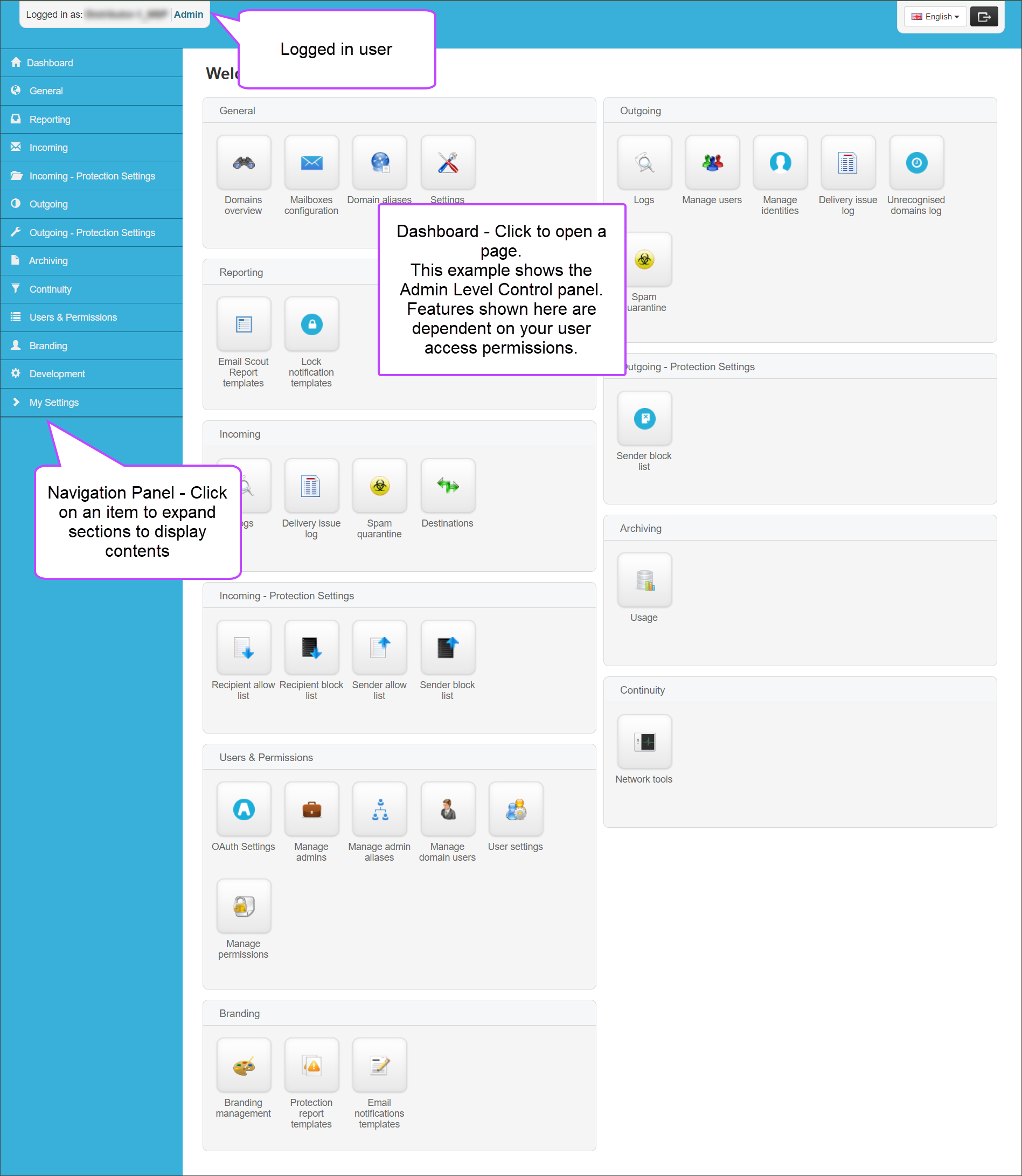
To navigate Zerospam.eu Control Panel, use the left-hand Navigation menu and Dashboard to move around the system.
The Navigation menu contains several section headings which can be maximized or minimized by clicking on the title. Each heading containing a selection of pages relevant to the section and user level you are logged in as.